Portal
Every program on Ironmark ships with a customer-facing portal — the surface a customer uses to pick up released deliverables, acknowledge receipt, file DA-2028 or redline feedback, and exchange files with the program team. It is not an inline manual reader; deliverables ship as the format the program produced (PDF, IADS package, etc.), and the customer opens them in their existing tools.
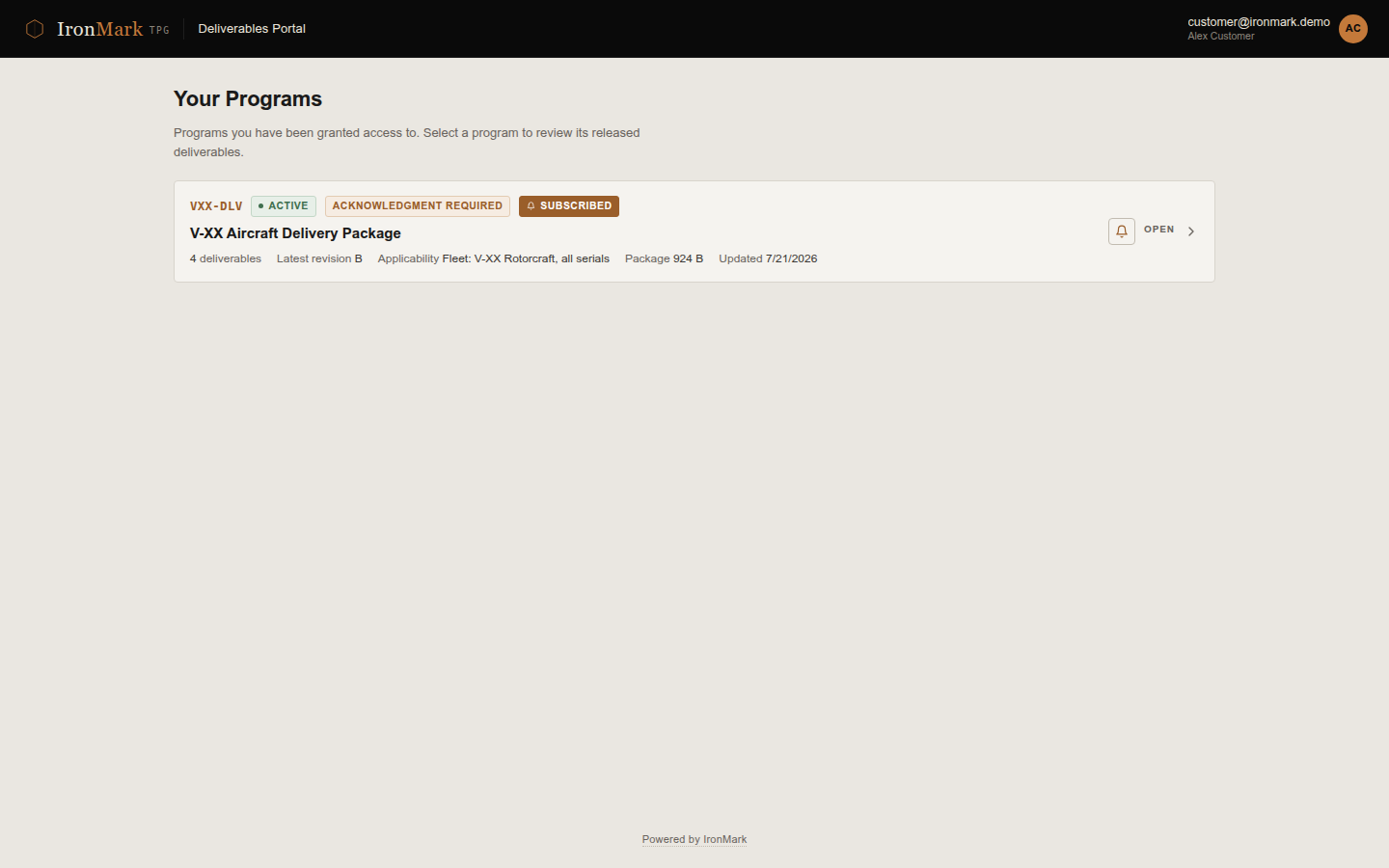
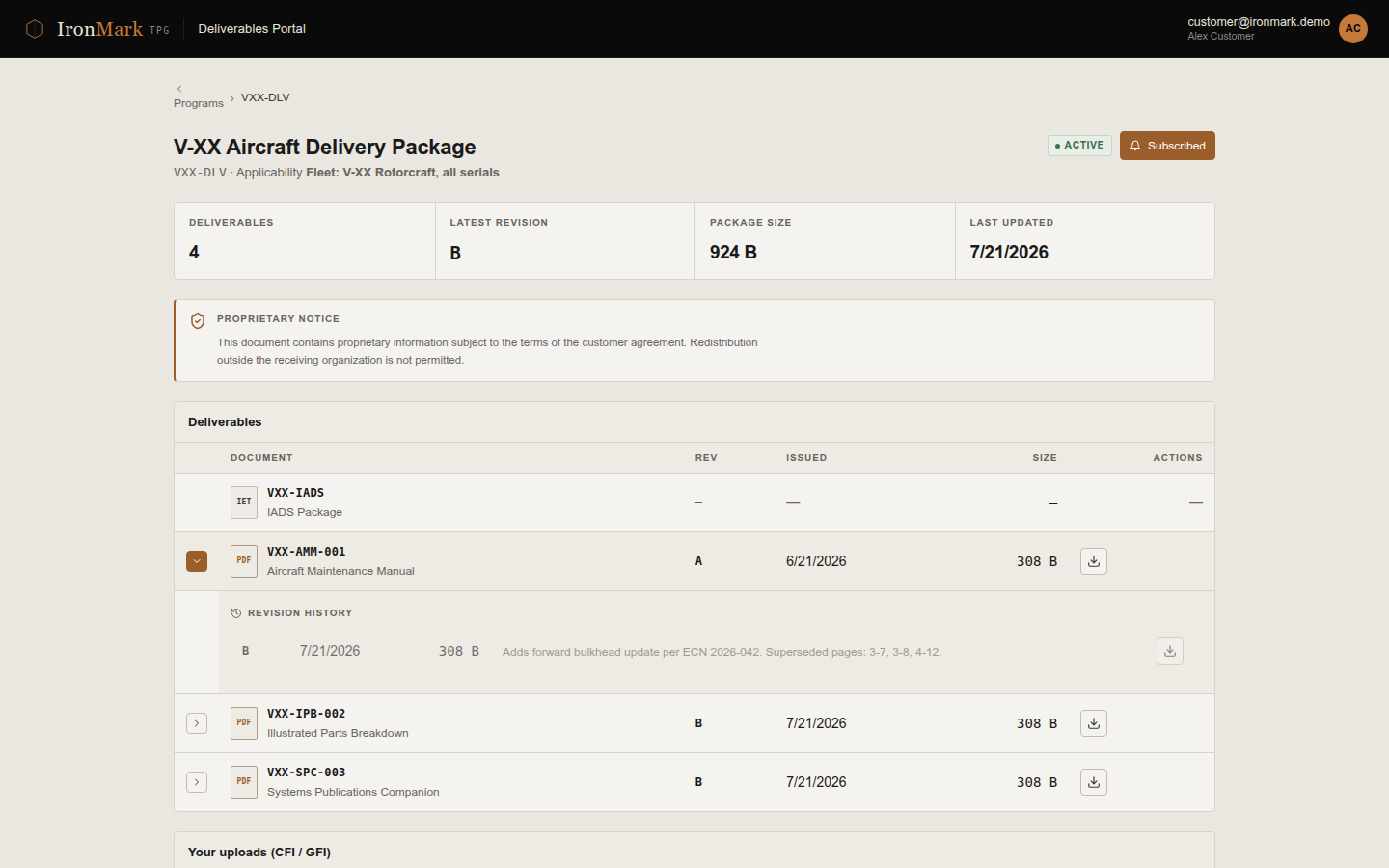
What portal users see
- Programs list — only the programs the customer has been granted access to.
- Deliverables list — the current released revision of each deliverable under a program, plus prior revisions kept available for audit.
- Download & acknowledge — pick up the current revision. Every download is audited; a separate acknowledgment step records that the customer received the release.
- New-release notifications — per-deliverable subscribe / unsubscribe for email alerts when a new revision lands.
- DA-2028 & redline feedback — form-based intake with page / paragraph / line / figure / table locators. Feedback lands in the internal team's triage queue.
- Customer file inbox (CFI) — upload files to the program (drawings, spec updates, source data). Program authors pick them up on the internal side.
- Public share-link redeem — one-time links a program can hand out for a specific deliverable pickup without a full portal account.
Auth separation
Portal readers hold the customer role on the same auth stack the authors use — the same enabled providers (local, CAC, WebAuthn — plus LDAP and OIDC where field-validated) are available to them, and the separation is at the role + project-membership boundary, not a distinct portal IdP.
What this means in practice:
- Different accounts — a customer signs in as a customer-role user; an author signs in as an author-role user. They can authenticate via the same or different methods depending on what the sysadmin has enabled.
- Different project scope — a customer with access to one program's portal doesn't automatically see any other program's portal. Project membership is enforced at the API layer.
- Different UI — customer-role users land on the portal surface, not the authoring surface, regardless of how they authenticated.
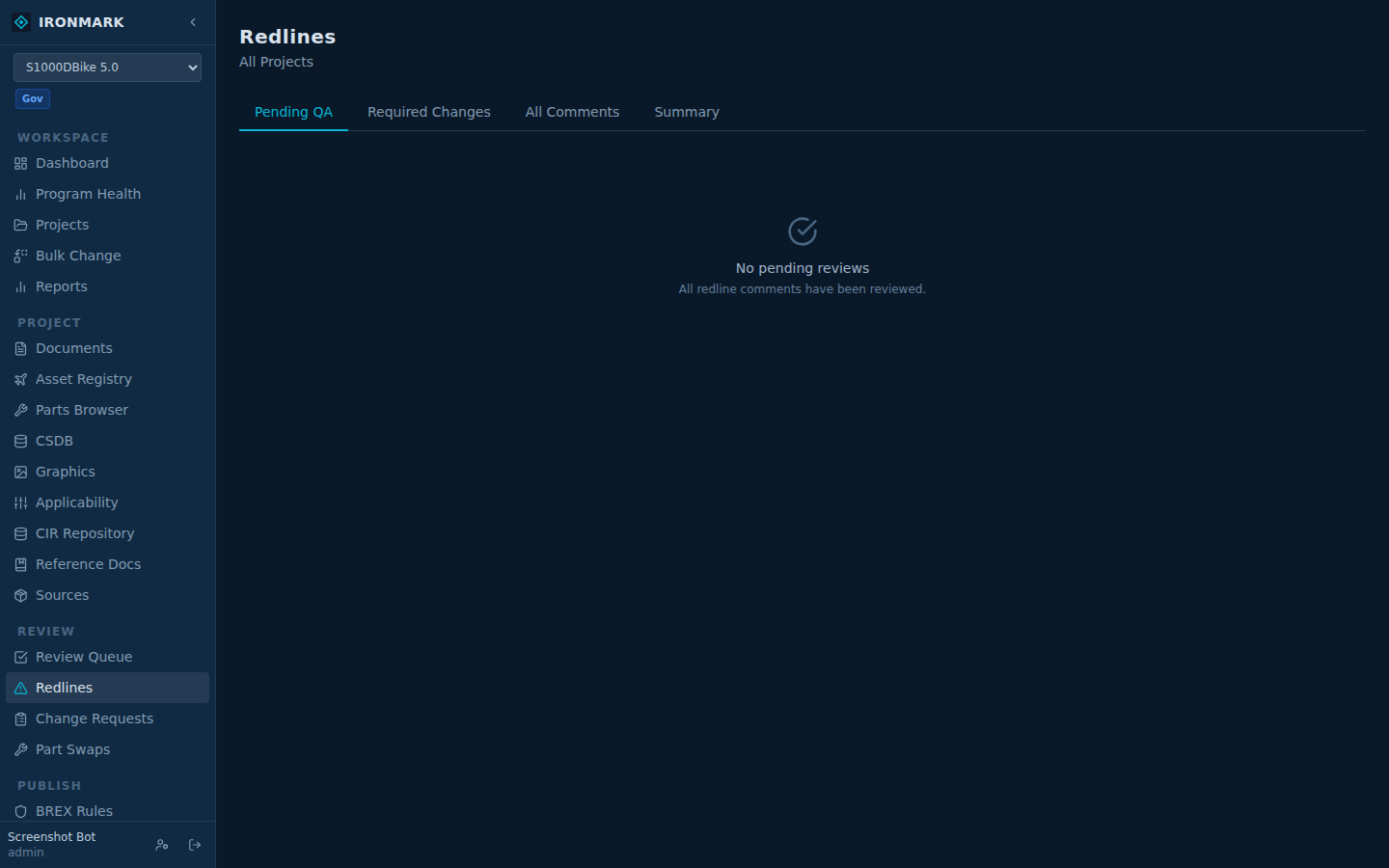
Feedback flow
Portal DA-2028 and redline submissions flow into the internal team's triage queue. Each entry keeps the source-deliverable revision, the customer who filed it, and the locator (page / paragraph / line / figure / table). Triage sets a disposition — submitted → triaged → accepted / rejected / duplicate / closed — and the resolution path is handled inside the authoring surface, through Change Requests or direct edits, at the internal team's discretion.