Home → How-To → Set up BREX rules
Set up BREX rules — mostly without writing XPath
BREX (Business Rules Exchange) is how S1000D projects encode local restrictions on top of the schema — element-cardinality limits, attribute-value whitelists, cross-DM constraints. Ironmark ships with the structural rule shape scaffolded from the SDM and lets you author non-structural rules through widgets instead of raw XPath.
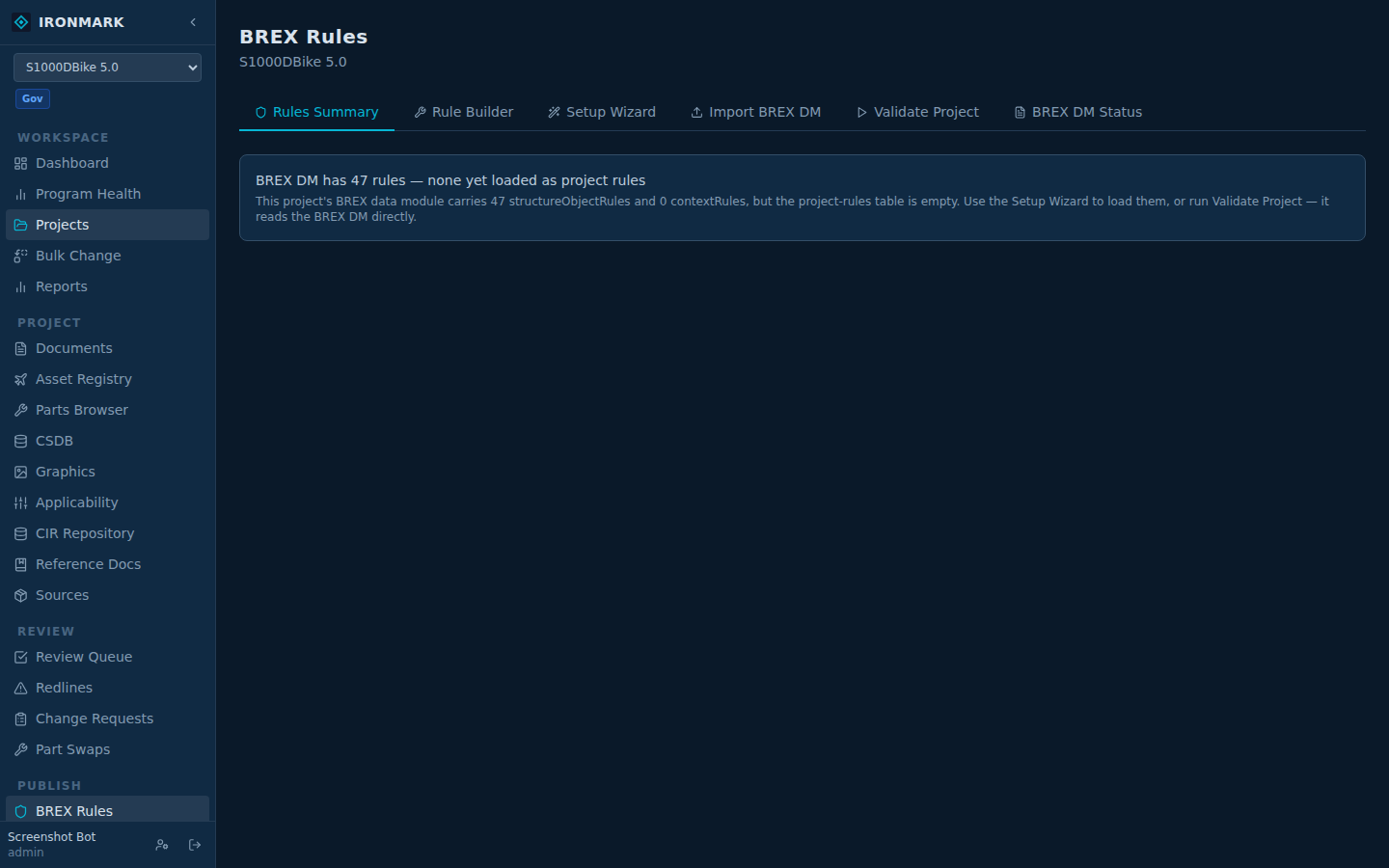
Open project BREX
Left nav → PUBLISH → BREX Rules
Every S1000D project has a BREX surface. Ironmark seeds it from the SDM's entry points on project creation — structural rules already declare which root elements are allowed for the project's spec version. You can edit or add from here.
Structural rules — scaffolded, not written from scratch
Structural rules restrict which DM types are allowed. S1000D calls these structuralObjectRule. Ironmark reads the project's SDM manifest, generates the initial set matching the schema's entry points, and lets you narrow it (drop DM types you don't ship) without touching XPath.
Toggle DM types
Each row shows a DM type + allowed / not-allowed toggle. Uncheck the ones your program doesn't produce (e.g. drop learning from a maintenance-only program). The rule set updates the underlying structuralObjectRule nodes.
Non-structural rules — widget-driven
Non-structural rules are the interesting ones: "no <caution> without a <consequence>", "@securityClassification must be one of {U, C, S}", etc. Instead of typing XPath predicates, pick from the rule builder:
- Target element — dropdown from the SDM schema
- Scope — anywhere / inside specific parent / when attribute matches
- Constraint — required attribute, allowed values, required child, forbidden child, cardinality
- Severity — error, warning, info
Validate a document
Per-document validation
From the Editor, click Validate in the header. Schema + BREX run together. Failing rules show as errors or warnings inline, with the rule id + severity.
Project-wide summary
PUBLISH → BREX Rules → Project summary runs every DM in the project against the BREX and lists the top-firing rules. Useful for triaging quality debt before a release cut.
Quick-fix widgets
Some rule violations map to a one-click fix — Ironmark ships quick-fix widgets for the common shapes (add a missing required attribute, wrap in a required parent, replace an out-of-range value with the closest allowed one). When a rule declares a widget-kind, the editor renders a "Fix" button next to the diagnostic.