Home → How-To → Generate an IADS delivery package
Generate an IADS delivery package
Two output shapes for IADS: a single .iads for one project, or a family bundle for paired manuals. This guide walks both, plus the source-dataset preservation behavior that matters for round-trip.
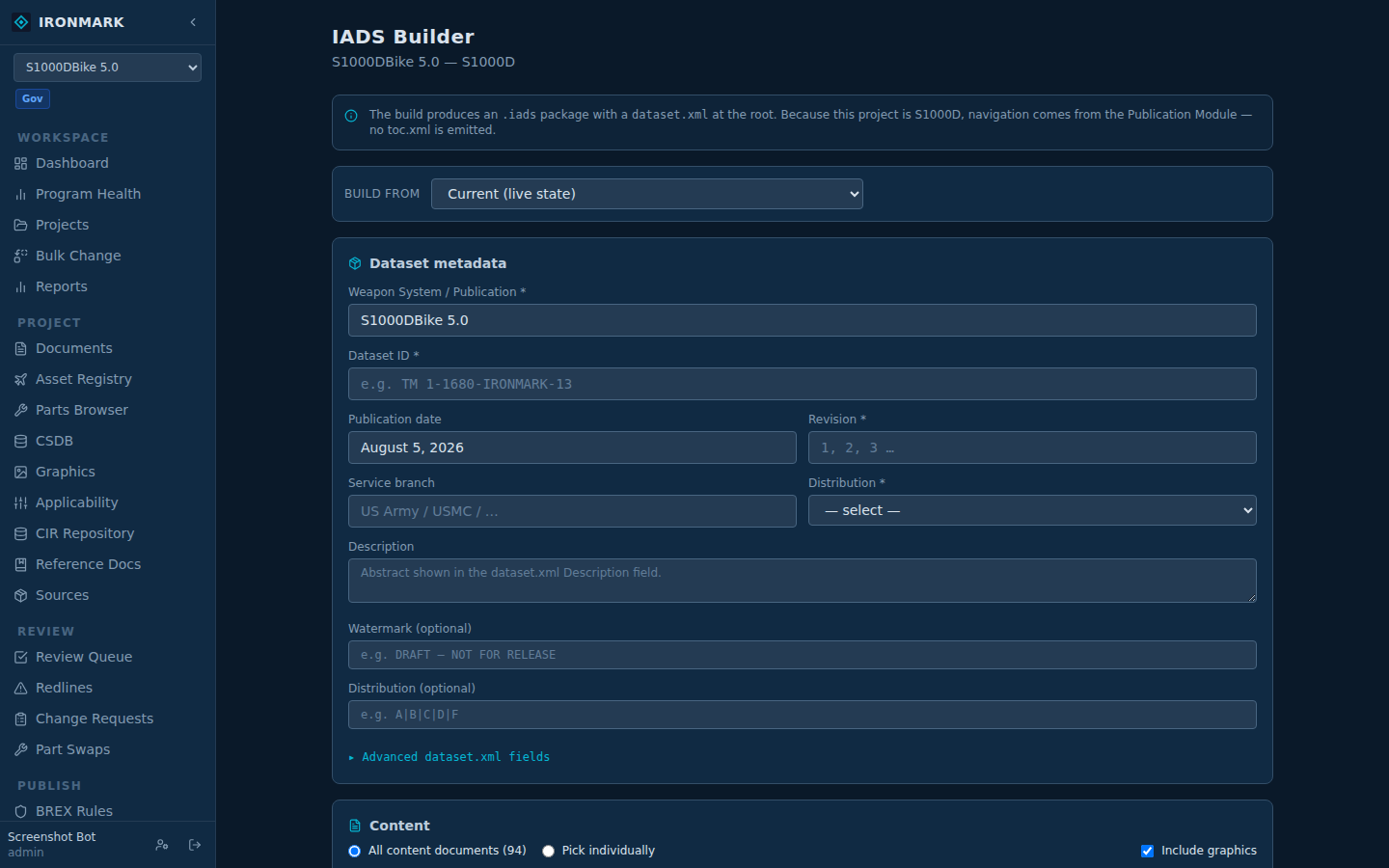
Single-project export
The classic path — one project, one .iads.
Open the project
From Projects, click into the project you want to publish. The left nav switches to that project's context.
Export Archive → IADS
Left nav → OUTPUT → Export Archive. Pick IADS package and click Export. The file downloads as <project-name>.iads.
Open in IADS Viewer
Drop the file into IADS Native 4.x or later. Every WP appears in the nested TOC; graphics resolve from Graphics\; the DTD folder ships with the archive so the viewer validates against the same DTD you authored on.
TM Family — paired manuals in one delivery
If your program ships a maintenance manual and its parts manual together, group them as a TM Family first, then publish once. Two output modes:
Create the family
Admin → TM Families → New Family. Add a canonical (TM number, "KESTREL-A", etc.) and/or display name. Add member projects with role hints (maint, parts, other) — the hints drive publish ordering.
Publish the family
From the family card, click Publish family. Pick a format:
Combined IADS — one .iads, single dataset.xml, nested TOC with a top-level tocEntry per project. Files namespaced by project slug so basenames don't collide. All members must share a standard family (all 40051 or all S1000D) — mixed families are rejected up front.
ZIP of per-project IADS — one .iads per member inside a ZIP. Use this for mixed-standard families or when the customer's viewer prefers separate packages.
maint → parts → other, alphabetical by project name within each bucket. Set role hints before publishing if the default order isn't what you want.
DTD folder
Both single-project and family exports ship the project's DTD folder as DTD\ inside the archive. Priority:
- Project-scoped DTDs from
data/projects/<id>/dtd/— wins on filename collision (project override) - Per-SDM DTDs from
sdm_packages/<sdm_id>/dtd/— filled in for every SDM referenced by docs in the project
Combined family packages merge DTDs from every member with a shared dedup set so overlapping files land exactly once.
Source dataset preservation
Single-project exports prefer the original imported dataset.xml — with just the known-edited fields (weapon system, dataset id, pub date, watermark) patched in. Every other IADS-native element the source shipped (Revision, Distribution, SupportedMDS, CustomFeedback, ConfigurationGroups, …) round-trips verbatim.
Family combined-IADS output has no per-family source, so it synthesizes a fresh dataset.xml from the family's metadata (canonical, display name, description).
Gotchas
- Mixed-standard families can't produce a combined IADS. Use ZIP instead.
- Members with no exportable documents are logged in response headers and skipped, not fatal. The publish modal shows the skip count.
- PMs, TOCs, DDNs, DMLs, and BREX don't ship as WP files in the archive — they're project structure, not delivery content. The IADS output filters them out automatically.
- File paths inside the archive use backslash (
Files\wp_001.xml) — the IADS format convention. Don't fight it if you're editing the manifest by hand.